Units without guesswork.
Convert length, weight, temperature, and volume. Feet to inches, Celsius to Fahrenheit, and the other measurements that refuse to use the same system.
Callie unit converter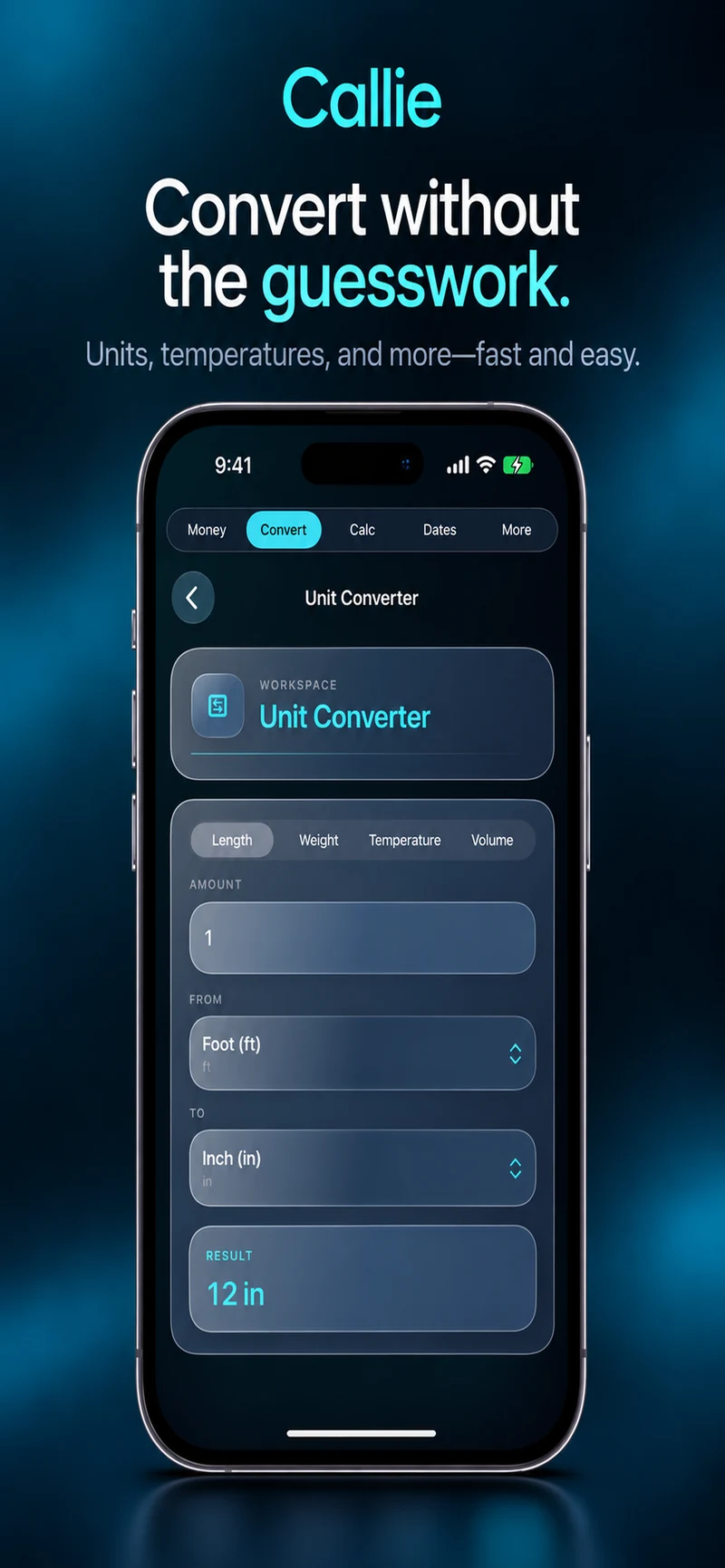
Callie for iPhone & iPad
A clean calculator, Scientific mode, Algebra/CAS, money tools, conversions, and date math. One app for the numbers that keep showing up.
No account required. Most calculations stay on your device.
Everyday math
Tips at dinner. A discount in a store. Feet to meters. Thirty days from now. An equation that has acquired a few letters.
Callie keeps those jobs together, without making the useful part harder to find.
Basic + Scientific
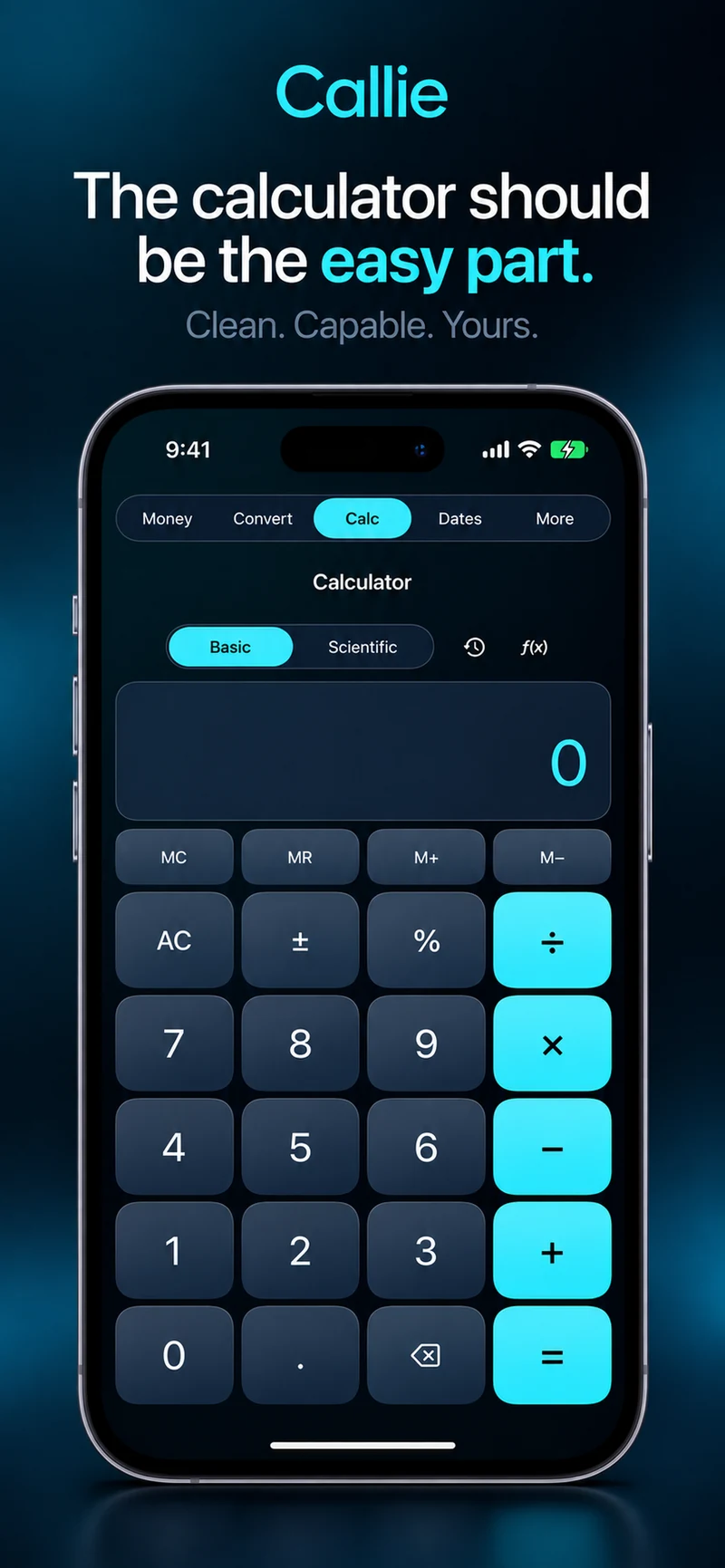
Everyday arithmetic, memory controls, calculation history, percentages, sign changes, and backspace. Thousands separators appear as you type.
Trigonometry, logarithms, powers, roots, constants, and multi-step calculations get a dedicated landscape workspace.
Move from a calculation to a conversion or a date check without assembling a collection of single-purpose apps.
Scientific calculator features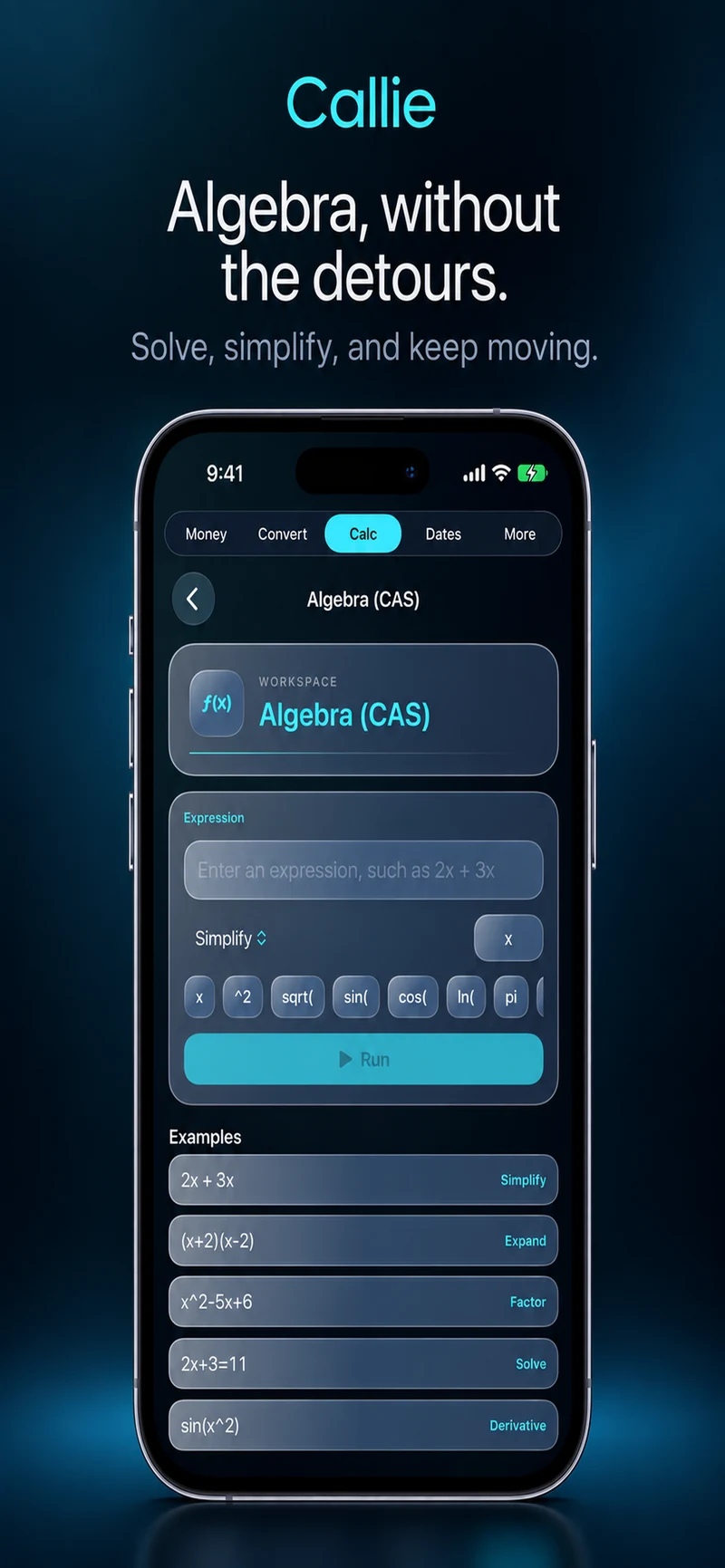
Algebra / CAS
Simplify an expression. Solve an equation. Check the algebra and keep moving.
Callie’s Algebra/CAS workspace supports simplification, expansion, factoring, equation solving, differentiation, and integration for supported expressions. Useful for coursework, symbolic checks, and the moments when arithmetic is not quite enough.
Money tools
Tips, shared bills, discounts, tax, unit prices, fuel costs, loans, and currency. The calculations that appear halfway through doing something else.
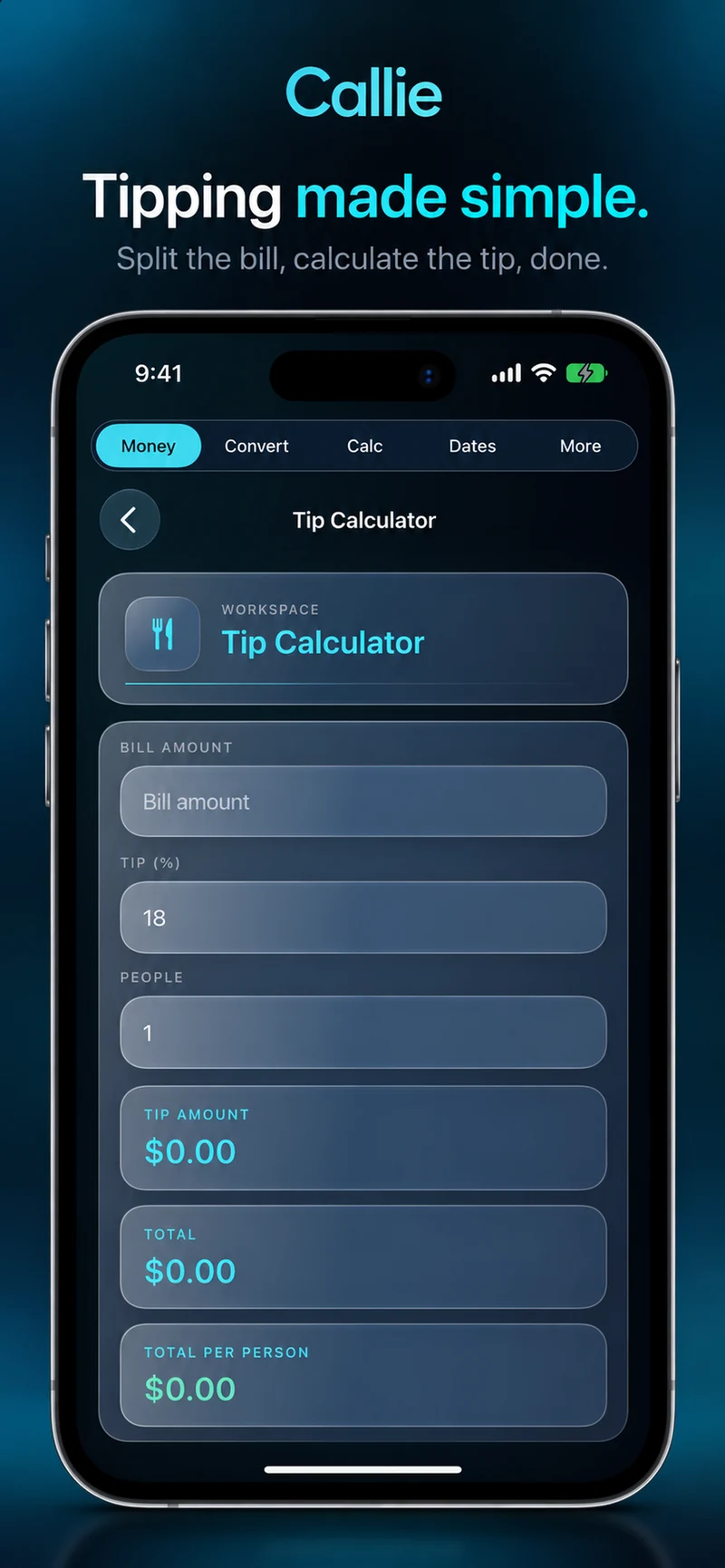
Set the bill, tip percentage, and number of people. See the tip, total, and amount per person without conducting a small negotiation with your calculator.
Tip calculator & bill-splitting toolsAlso in Callie: Unit Price, Fuel Cost, and Currency Converter.
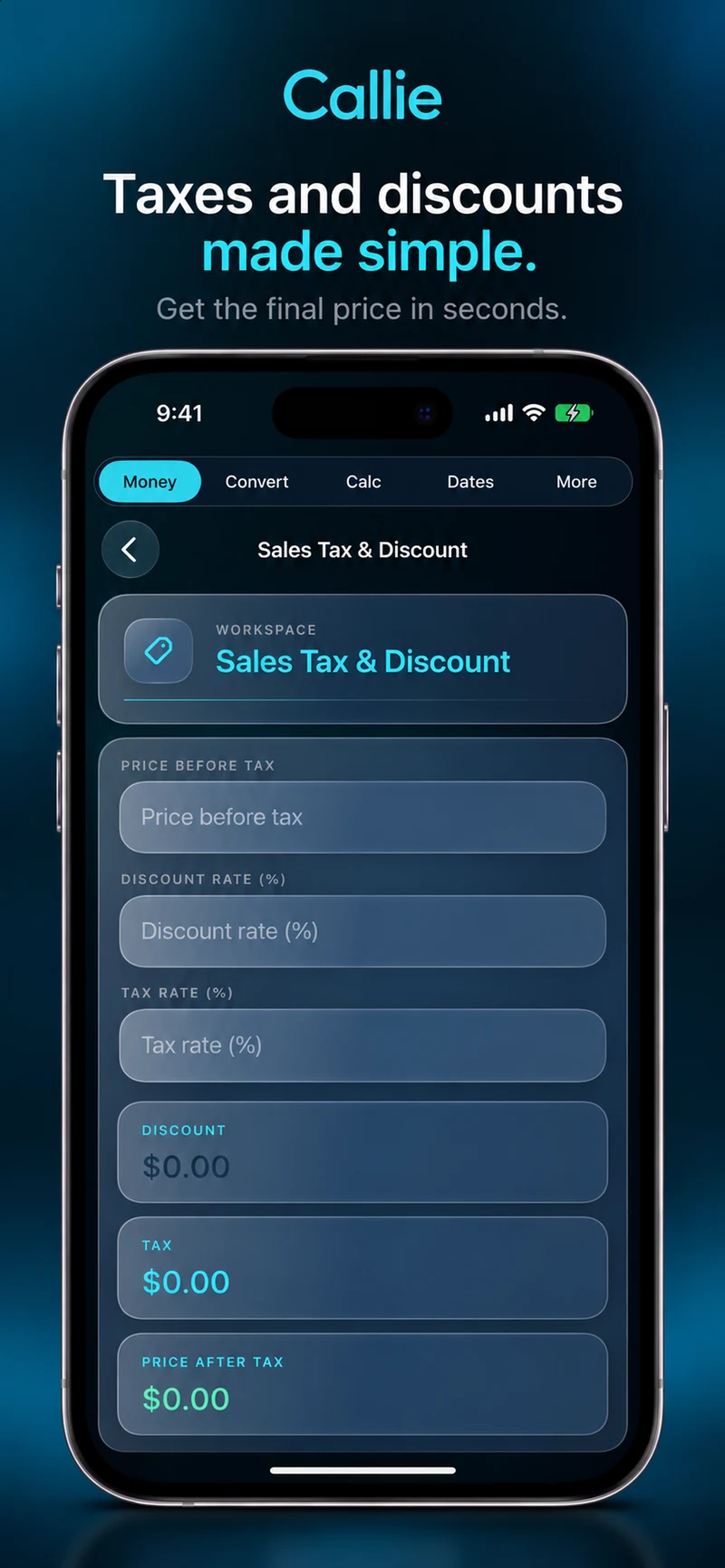
Enter the starting price, discount, and tax rate. See the discount, tax, and final price together. No mental arithmetic required in the checkout line.
Sales tax & discount calculatorAlso in Callie: Unit Price, Fuel Cost, and Currency Converter.
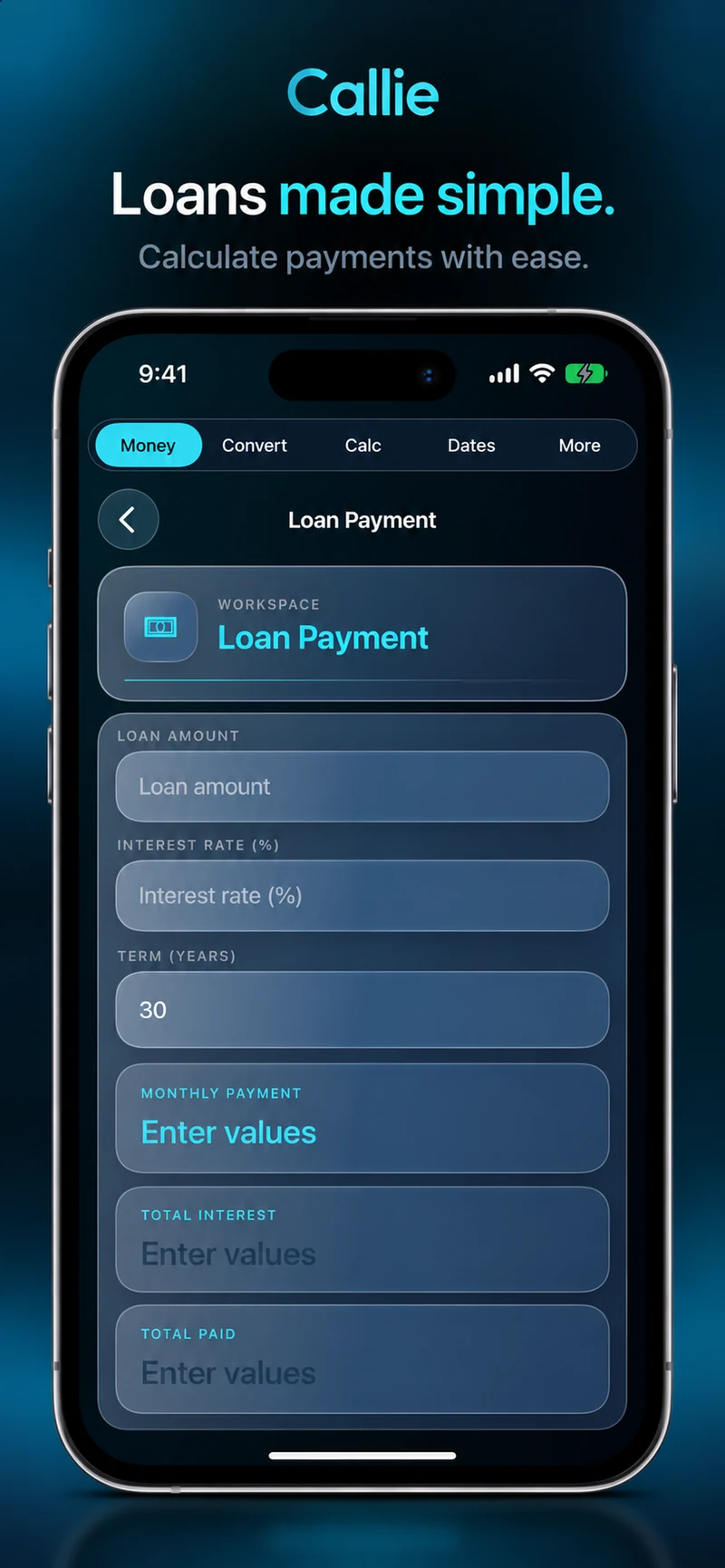
Enter a loan amount, interest rate, and term to estimate monthly payment, total interest, and total paid. Estimates are not lender quotes; fees and terms can change the final cost.
Loan payment calculatorAlso in Callie: Unit Price, Fuel Cost, and Currency Converter.
Conversions + percentages
Useful tools for the questions you do not particularly want to learn a new formula to answer.
Convert length, weight, temperature, and volume. Feet to inches, Celsius to Fahrenheit, and the other measurements that refuse to use the same system.
Callie unit converterFind a percentage of a value, see what percent one number is of another, or check a percentage change. The right operation is already there.
Percentage calculator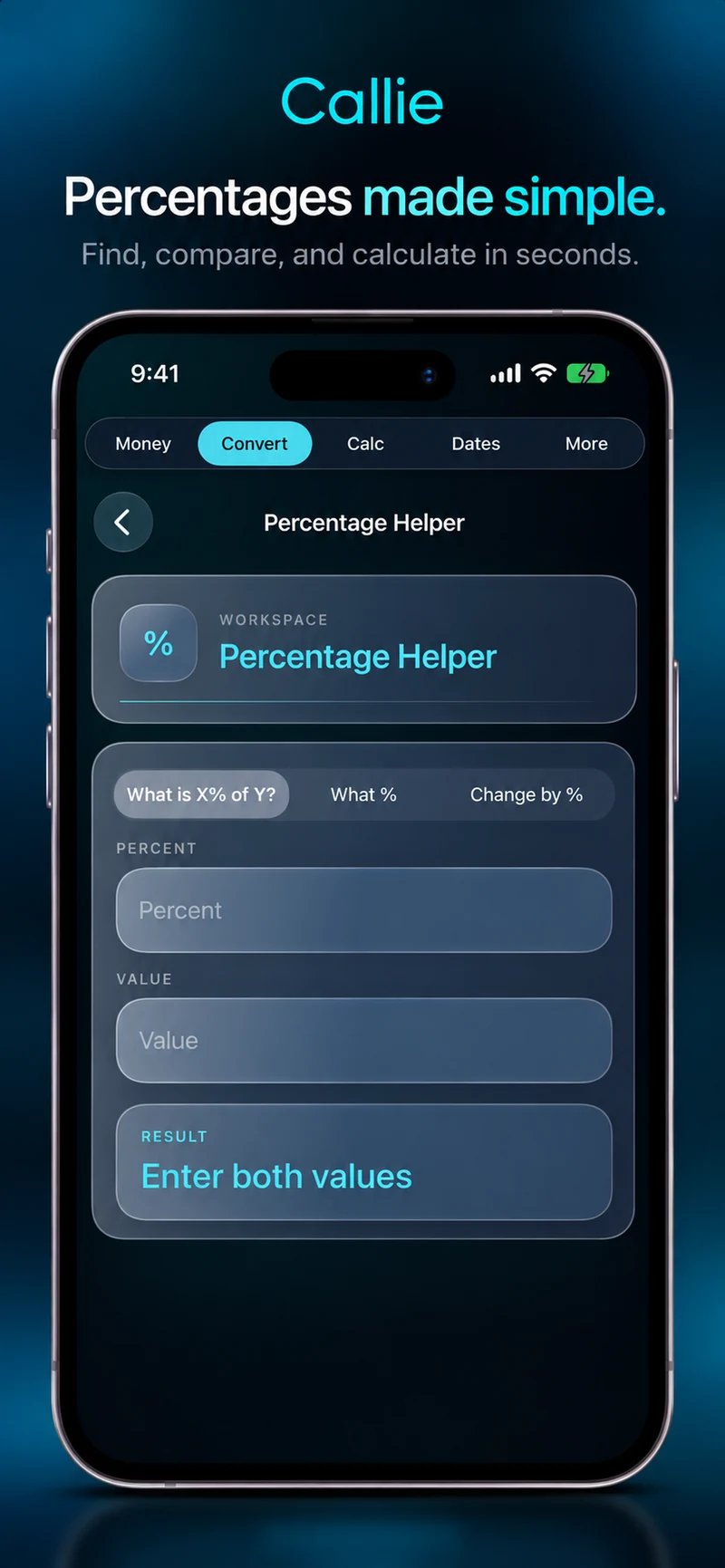
Date calculator
Find days between dates, read the difference in years, months, and days, or add an offset to see where a deadline lands.
Date calculation tools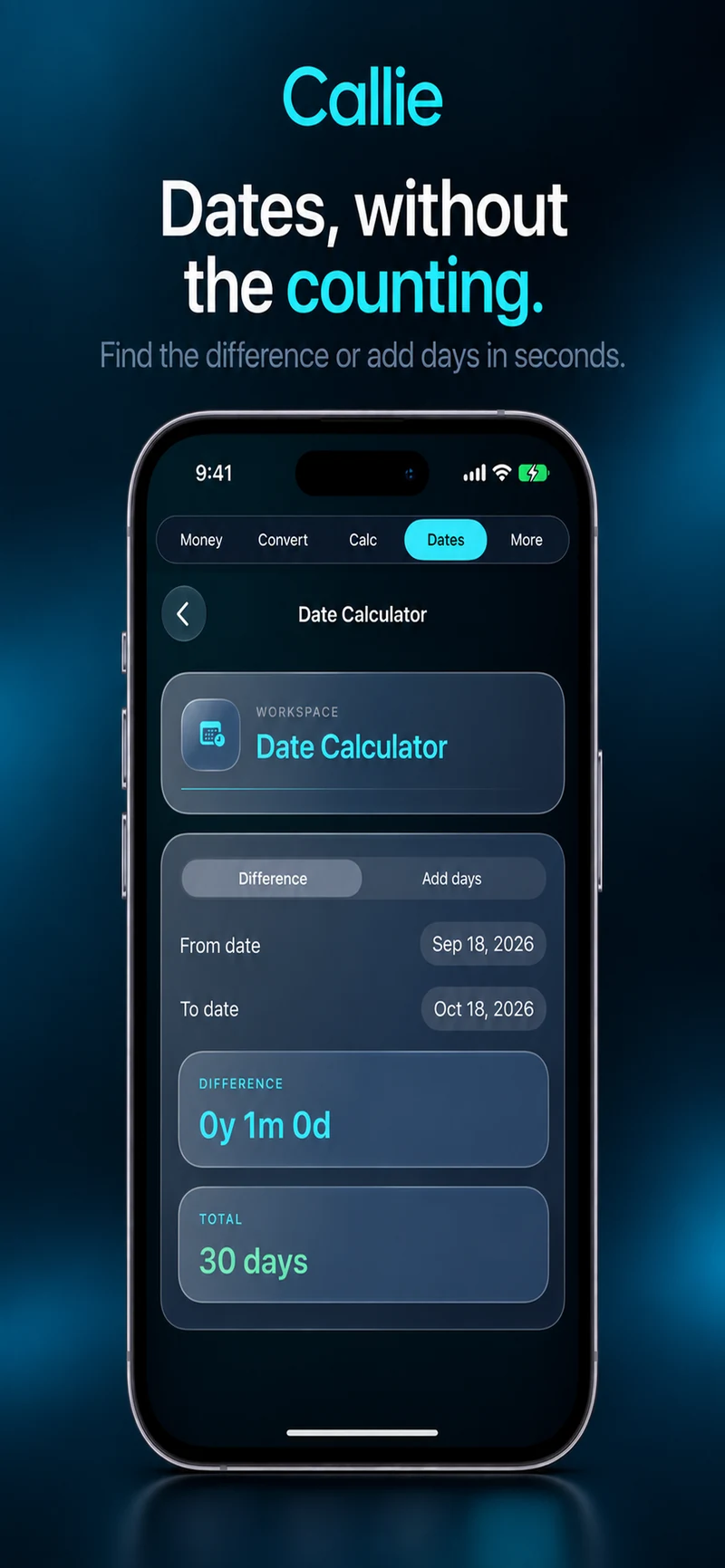
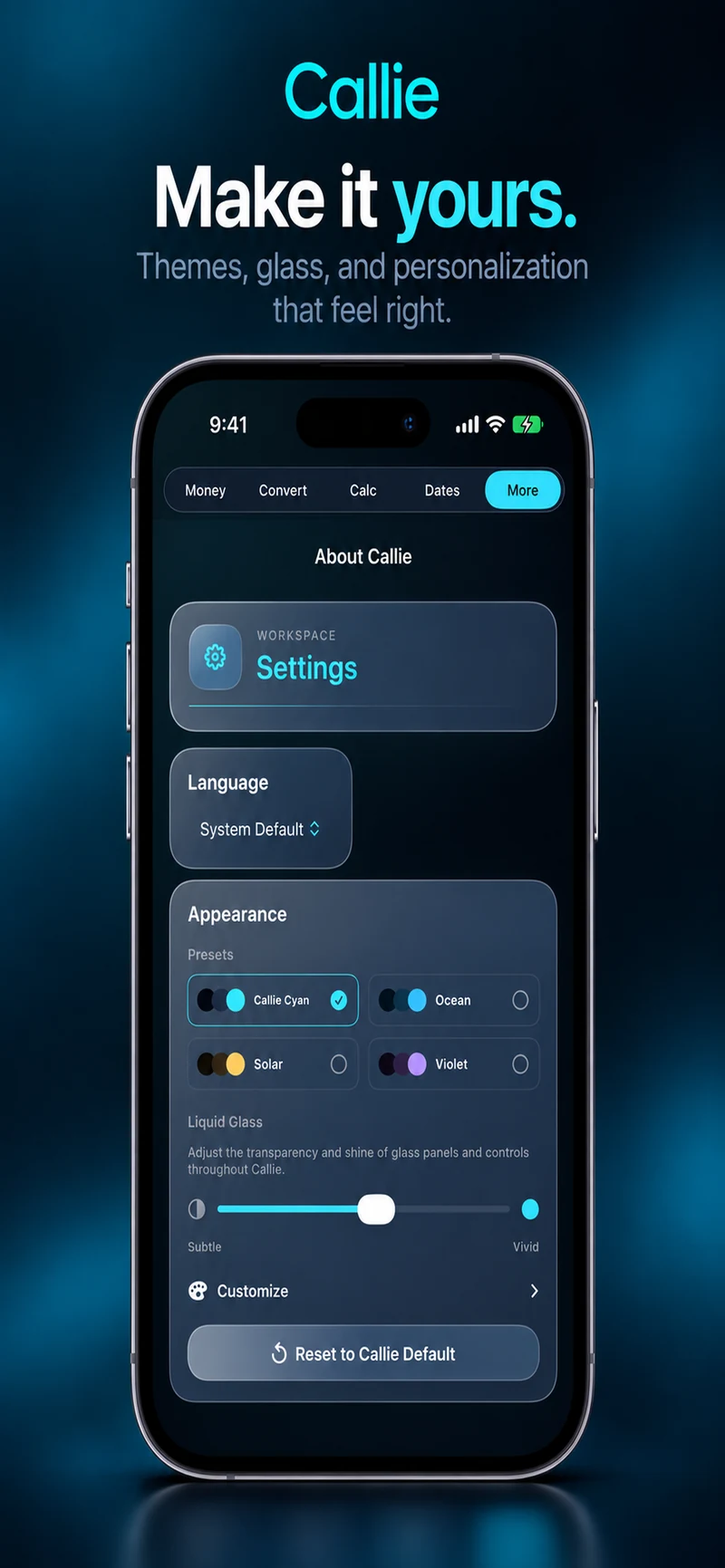
Appearance
Or another color entirely. Pick a preset, adjust accents, and tune Liquid Glass from subtle to vivid. Make the workspace feel like yours.
Appearance options are part of the app.
A straightforward arrangement
Core calculator, algebra, money, unit, percentage, and date tools work without signing in. Most calculations happen on your device; currency conversion uses a network request to update rates.
The free version may show occasional ads after some advanced-tool workflows. Basic calculator use stays uninterrupted. A one-time Remove Ads purchase is available.
Read Callie’s privacy informationCallie is an all-in-one calculator and everyday utility app for iPhone and iPad. It combines Basic and Scientific calculators with Algebra/CAS, money tools, currency and unit conversion, percentages, and date calculations.
Yes. Regular Callie includes an Algebra/CAS workspace for supported symbolic operations: simplify, expand, factor, solve, differentiate, and integrate. It is useful for quick algebra checks without leaving the app.
Yes. Scientific mode provides trigonometry, logarithms, powers, roots, constants, and multi-step calculations in a dedicated landscape workspace.
Callie includes Tip Calculator, Bill Split, Sales Tax & Discount, Unit Price, Fuel Cost, Loan Payment, Currency Converter, Unit Converter, Percentage Helper, and date tools.
No account or sign-in is required for the core tools. Most calculations run on your device. Currency conversion needs a network request to update Frankfurter exchange-rate data and can use cached rates after a successful update.
The free version may show occasional ads after some advanced-tool workflows. Basic calculator use remains uninterrupted. A one-time Remove Ads purchase is available.
Callie combines everyday tools with scientific calculation and symbolic algebra on iPhone and iPad. Callie Pro is a separate Mac and iPad mathematical workstation with graphing, local Python, matrices, tensors, statistics, Complex 3D, and Temporal Mode.
A different kind of problem?
Regular Callie includes symbolic algebra. Callie Pro goes further: graphing, tensors, local Python, statistics, Complex 3D, and Temporal Mode in a mathematical workstation for Mac and iPad.
Callie Pro mathematical workstationCallie for iPhone & iPad
Calculator, Scientific, Algebra/CAS, money tools, conversions, percentages, and dates. Ready when the numbers turn up.

Prefer to try a few tools first? Open Callie Web.